
Introduction
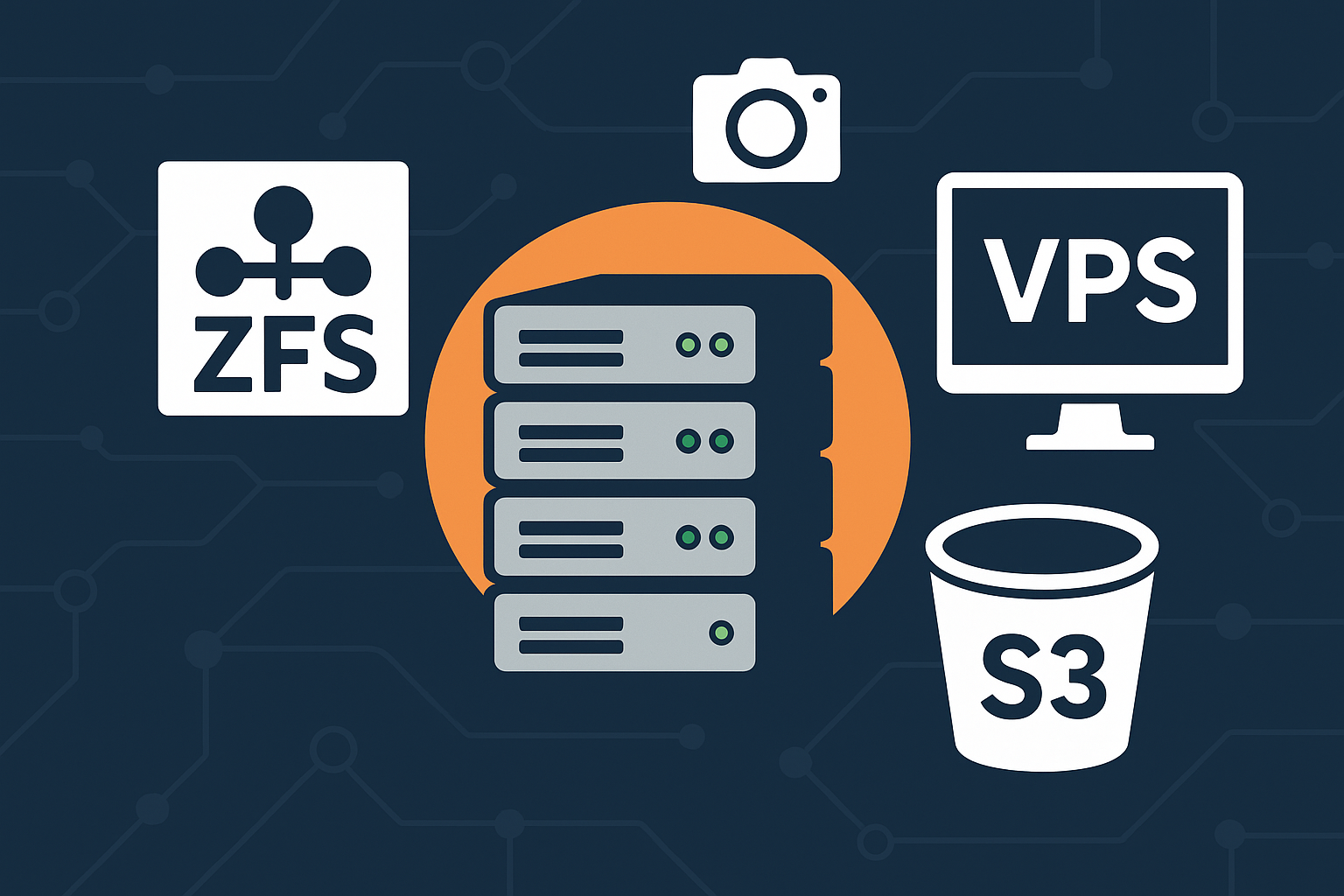
ZFS (Zettabyte File System) is a next-generation file system that combines the functionality of a file system and volume manager. It offers enterprise-grade features like data integrity checking, automatic repair, snapshots, and built-in compression. For VPS administrators running demanding applications or requiring robust data protection, ZFS provides unmatched reliability and performance optimization capabilities.
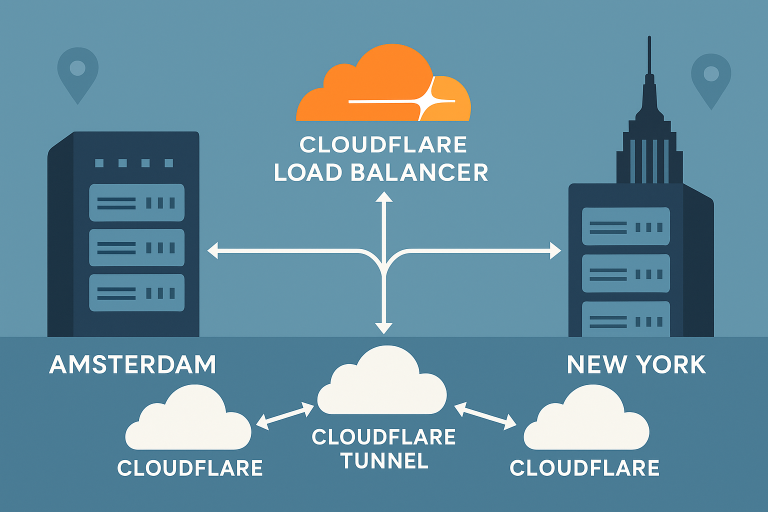
In this comprehensive guide, you’ll learn how to install and configure ZFS on Ubuntu 24.04 LTS, optimize ARC and L2ARC settings for maximum performance, manage snapshots effectively, and set up automated cross-region backups using zrepl with S3-compatible storage. This tutorial is particularly valuable for users running Onidel VPS in Amsterdam or Onidel VPS in New York who need enterprise-class storage management.
Prerequisites
Before starting this tutorial, ensure you have:
- Ubuntu 24.04 LTS VPS with root access
- Minimum 4GB RAM (8GB+ recommended for optimal ARC performance)
- At least 2 storage devices or partitions (one for system, one for ZFS pool)
- S3-compatible storage credentials for cross-region backups
- Basic knowledge of Linux command line and storage concepts
Warning: ZFS operations can be destructive. Always test configurations on non-production systems first and ensure you have reliable backups before proceeding.
Step-by-Step Tutorial
Step 1: Install ZFS on Ubuntu 24.04
First, update your system and install the ZFS utilities:
# Update package index
sudo apt update && sudo apt upgrade -y

# Install ZFS utilities
sudo apt install zfsutils-linux -y

# Load ZFS kernel module
sudo modprobe zfs

# Verify ZFS installation
zfs version
Step 2: Create ZFS Pool
Identify available storage devices and create your ZFS pool:
# List available disks
lsblk

# Create ZFS pool (replace /dev/sdb with your device)
sudo zpool create tank /dev/sdb

# For RAID-1 mirror configuration:
# sudo zpool create tank mirror /dev/sdb /dev/sdc

# Verify pool creation
zpool status tank
zfs list
Step 3: Configure ARC and L2ARC Tuning
Optimize ZFS memory usage for VPS environments:
# Create ZFS tuning configuration
sudo tee /etc/modprobe.d/zfs.conf << 'EOF'
# ARC size limits (adjust based on your VPS RAM)
options zfs zfs_arc_max=2147483648  # 2GB max ARC
options zfs zfs_arc_min=536870912   # 512MB min ARC

# L2ARC settings for SSD cache (if available)
options zfs l2arc_write_max=134217728  # 128MB/s write limit
options zfs l2arc_headroom=8           # Headroom multiplier
EOF

# Apply settings (requires reboot or module reload)
sudo update-initramfs -u
echo 2147483648 | sudo tee /sys/module/zfs/parameters/zfs_arc_max
Step 4: Enable Compression and Advanced Features
Configure ZFS dataset properties for optimal performance:
# Enable LZ4 compression (recommended)
sudo zfs set compression=lz4 tank

# Set atime=off for better performance
sudo zfs set atime=off tank

# Enable extended attributes
sudo zfs set xattr=sa tank

# Set record size for databases (optional)
# sudo zfs set recordsize=8K tank/database

# Verify settings
zfs get compression,atime,xattr tank
Step 5: Create and Manage Snapshots
Implement automated snapshot management:
# Create manual snapshot
sudo zfs snapshot tank@backup-$(date +%Y%m%d-%H%M%S)

# List snapshots
zfs list -t snapshot

# Create automated snapshot script
sudo tee /usr/local/bin/zfs-snapshot.sh << 'EOF'
#!/bin/bash
DATE=$(date +%Y%m%d-%H%M%S)
DATASET="tank"

# Create snapshot
zfs snapshot ${DATASET}@auto-${DATE}

# Remove snapshots older than 7 days
zfs list -H -t snapshot -o name,creation | \
grep "${DATASET}@auto-" | \
awk -v cutoff="$(date -d '7 days ago' +%s)" '$2 < cutoff {print $1}' | \
xargs -r -n1 zfs destroy
EOF

sudo chmod +x /usr/local/bin/zfs-snapshot.sh
Step 6: Setup Cross-Region S3 Backups with zrepl
Install and configure zrepl for automated cross-region backups:
# Download and install zrepl
ZREPL_VERSION="v0.6.1"
wget https://github.com/zrepl/zrepl/releases/download/${ZREPL_VERSION}/zrepl-linux-amd64
sudo mv zrepl-linux-amd64 /usr/local/bin/zrepl
sudo chmod +x /usr/local/bin/zrepl

# Create zrepl configuration directory
sudo mkdir -p /etc/zrepl

# Configure zrepl for S3 backups
sudo tee /etc/zrepl/zrepl.yml << 'EOF'
jobs:
- name: "backup_to_s3"
  type: "snap"
  filesystems:
    "tank<" : true
  snapshotting:
    type: "periodic"
    prefix: "zrepl_"
    interval: "1h"
  pruning:
    keep:
    - type: "last_n"
      count: 24  # Keep 24 hourly snapshots
    - type: "grid"
      grid: "1x1h(keep=24) | 1x1d(keep=7) | 1x1w(keep=4)"
      regex: "^zrepl_.*"

- name: "s3_backup"
  type: "push"
  connect:
    type: "tcp"
    address: "your-s3-endpoint:2222"
  filesystems:
    "tank<": true
  snapshotting:
    type: "manual"
  pruning:
    keep:
    - type: "grid"
      grid: "1x1d(keep=30) | 1x1w(keep=12)"
      regex: "^zrepl_.*"
EOF
Step 7: Automate Backup Operations
Set up automated backup scheduling:
# Create systemd service for zrepl
sudo tee /etc/systemd/system/zrepl.service << 'EOF'
[Unit]
Description=zrepl daemon
Wants=zfs.target
After=zfs.target

[Service]
User=root
ExecStart=/usr/local/bin/zrepl daemon
Restart=on-failure
StandardOutput=journal
StandardError=journal

[Install]
WantedBy=multi-user.target
EOF

# Enable and start zrepl service
sudo systemctl daemon-reload
sudo systemctl enable zrepl
sudo systemctl start zrepl

# Check service status
sudo systemctl status zrepl

# Add cron job for snapshot cleanup
echo "0 2 * * * /usr/local/bin/zfs-snapshot.sh" | sudo crontab -
Best Practices
Performance Optimization
- ARC Sizing: Set ARC maximum to 50-75% of available RAM on dedicated database VPS instances
- Record Size: Use 8K-16K record sizes for database workloads, 1M for large files
- Compression: LZ4 offers the best performance/compression ratio for most workloads
- Deduplication: Only enable on systems with >16GB RAM and high duplicate data ratios
Security Considerations
- Encryption: Enable ZFS native encryption for sensitive data:
zfs create -o encryption=aes-256-gcm -o keyformat=passphrase tank/encrypted - Access Controls: Implement proper dataset permissions and user delegation
- Backup Encryption: Always encrypt backups in transit and at rest
- Monitoring: Set up alerts for pool health, scrub completion, and backup failures
For users managing storage across multiple regions, consider implementing the active-active VPS architecture for enhanced redundancy and performance.
Conclusion
ZFS provides enterprise-grade storage management capabilities that are particularly valuable for demanding workloads on VPS infrastructure. With proper ARC tuning, automated snapshots, and cross-region backup strategies, you can achieve both high performance and data protection.
Key benefits of this ZFS setup include:
- Data Integrity: Built-in checksumming and automatic repair
- Space Efficiency: Compression and snapshot sharing
- Performance: Optimized ARC and L2ARC caching
- Backup Strategy: Automated cross-region replication with zrepl
For production deployments requiring high-performance storage and advanced features like NVMe block storage with triple data replication, consider exploring Onidel’s Amsterdam VPS and New York VPS offerings, which provide the robust infrastructure foundation needed for demanding ZFS workloads.
Continue optimizing your VPS storage strategy by exploring disk expansion techniques and implementing comprehensive backup automation for complete data protection.