
Email deliverability remains one of the most critical challenges when self-hosting mail servers on a VPS. With major email providers implementing stricter authentication requirements in 2025, proper configuration of email security protocols is essential for ensuring your messages reach their intended recipients instead of landing in spam folders.
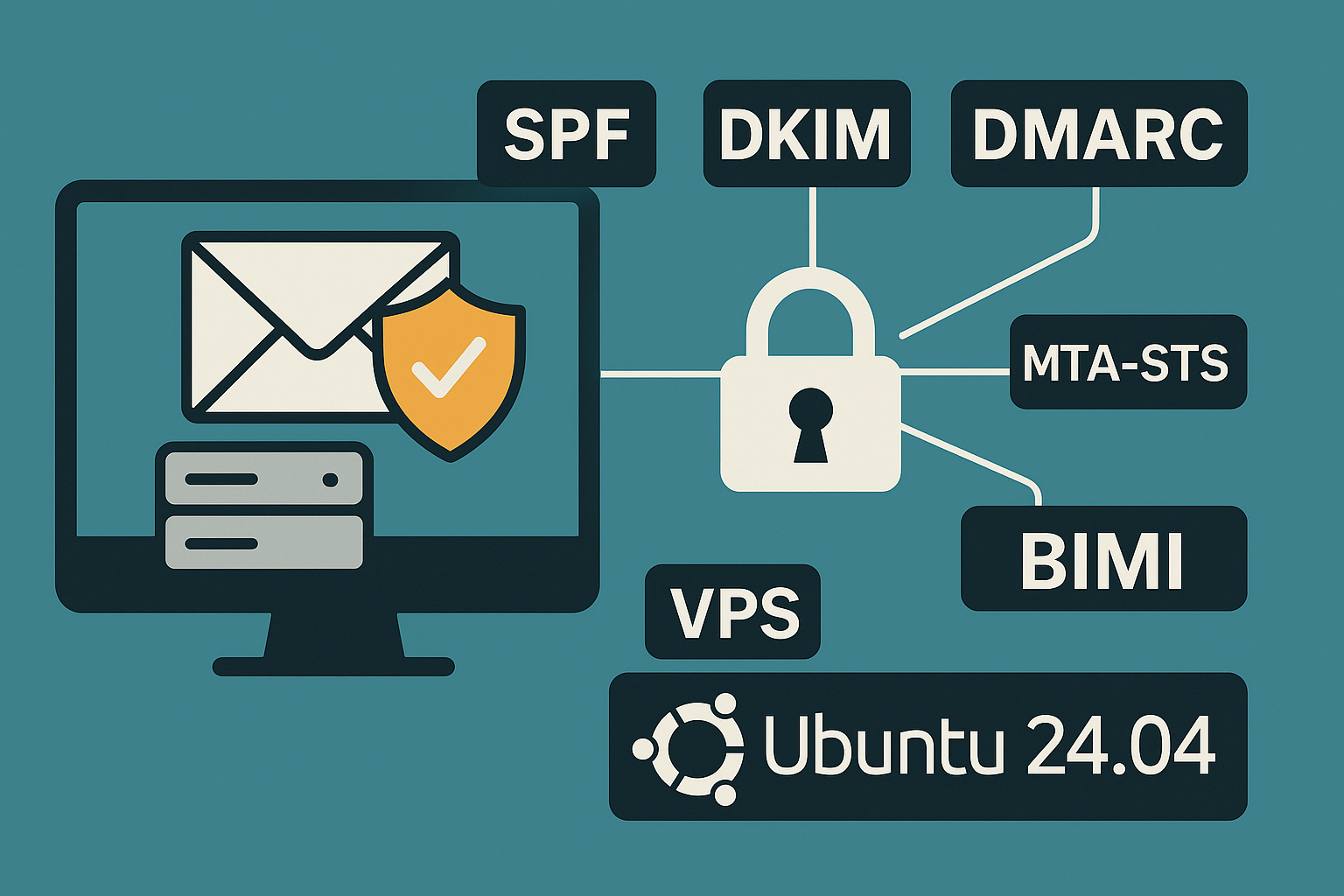
In this comprehensive tutorial, we’ll walk you through implementing all essential email authentication protocols on Ubuntu 24.04 LTS, including SPF, DKIM, DMARC, MTA‑STS, TLS‑RPT, and BIMI. These configurations will dramatically improve your email deliverability rates and establish trust with receiving mail servers.
Prerequisites
Before beginning this tutorial, ensure you have:
- An Onidel VPS in Amsterdam or New York VPS running Ubuntu 24.04 LTS
- A fully qualified domain name (FQDN) with DNS management access
- Postfix mail server installed and configured
- Root access or sudo privileges
- At least 2GB RAM and 20GB storage for mail processing
- Valid SSL/TLS certificates for your mail domain
Step 1: Configure SPF Records
Sender Policy Framework (SPF) prevents email spoofing by specifying which IP addresses are authorized to send emails from your domain.
Create an SPF record in your DNS zone:
# Example SPF record for your domain
# Replace YOUR_VPS_IP with your actual server IP
v=spf1 ip4:YOUR_VPS_IP include:_spf.google.com ~all
For more restrictive policy, use a hard fail:
v=spf1 ip4:YOUR_VPS_IP -allVerify your SPF record:
dig TXT yourdomain.com | grep spfStep 2: Implement DKIM Signing
DomainKeys Identified Mail (DKIM) adds cryptographic signatures to your emails, ensuring message integrity and authenticity.
Install OpenDKIM:
sudo apt update
sudo apt install opendkim opendkim-tools -y
Create DKIM directory structure:
sudo mkdir -p /etc/opendkim/keys/yourdomain.com
sudo chown -R opendkim:opendkim /etc/opendkim
Generate DKIM key pair:
sudo opendkim-genkey -t -s default -d yourdomain.com -D /etc/opendkim/keys/yourdomain.com/Configure OpenDKIM (/etc/opendkim.conf):
Domain yourdomain.com
KeyFile /etc/opendkim/keys/yourdomain.com/default.private
Selector default
Socket inet:12301@localhost
RequireSafeKeys false
TrustAnchorFile /usr/share/dns/root.key
Integrate with Postfix (/etc/postfix/main.cf):
milter_protocol = 6
milter_default_action = accept
smtpd_milters = inet:localhost:12301
non_smtpd_milters = inet:localhost:12301
Restart services:
sudo systemctl restart opendkim postfixStep 3: Deploy DMARC Policy
Domain-based Message Authentication, Reporting, and Conformance (DMARC) builds upon SPF and DKIM to provide comprehensive email authentication.
Create a DMARC policy record:
# Start with monitoring mode
v=DMARC1; p=none; rua=mailto:[email protected]; ruf=mailto:[email protected]; sp=none; adkim=r; aspf=r;
Add this as a TXT record for _dmarc.yourdomain.com.
After monitoring for 2-4 weeks, transition to enforcement:
v=DMARC1; p=quarantine; rua=mailto:[email protected]; pct=25; adkim=s; aspf=s;Step 4: Configure MTA‑STS
Mail Transfer Agent Strict Transport Security (MTA‑STS) ensures secure email delivery by enforcing TLS connections.
Create MTA‑STS policy DNS record:
# TXT record for _mta-sts.yourdomain.com
v=STSv1; id=20250101;
Create policy file at https://mta-sts.yourdomain.com/.well-known/mta-sts.txt:
version: STSv1
mode: enforce
mx: mail.yourdomain.com
max_age: 86400
Step 5: Enable TLS Reporting
Configure TLS‑RPT for monitoring TLS failures:
# TXT record for _smtp._tls.yourdomain.com
v=TLSRPTv1; rua=mailto:[email protected];
Step 6: Implement BIMI
Brand Indicators for Message Identification (BIMI) displays your brand logo in supported email clients when DMARC enforcement is active.
Create BIMI record:
# TXT record for default._bimi.yourdomain.com
v=BIMI1; l=https://yourdomain.com/logo.svg;
Best Practices
For optimal email deliverability on your VPS:
- Monitor reputation: Use tools like Google Postmaster Tools and Microsoft SNDS
- Implement rate limiting: Configure Postfix to avoid overwhelming receiving servers
- Regular key rotation: Rotate DKIM keys every 6-12 months
- Gradual DMARC enforcement: Start with p=none, then p=quarantine before p=reject
- Reverse DNS: Ensure proper PTR records for your VPS IP addresses
Security Note: Always backup your DKIM private keys securely and restrict access to the OpenDKIM user only.
Testing and Validation
Verify your configuration using these tools:
# Test SPF, DKIM, and DMARC
dig TXT _dmarc.yourdomain.com
echo "Test email" | mail -s "DKIM Test" [email protected]
Use online validators:
- MXToolbox for comprehensive DNS checks
- DMARC Analyzer for policy validation
- Mail-tester for deliverability scoring
Conclusion
Implementing comprehensive email authentication protocols significantly improves deliverability and establishes trust with major email providers. The combination of SPF, DKIM, DMARC, MTA‑STS, TLS‑RPT, and BIMI creates a robust defense against spoofing while enhancing your brand presence.
For optimal performance and reliability, consider deploying your mail infrastructure on high-performance VPS instances in strategic locations like Amsterdam or New York, where proximity to major email providers’ infrastructure can further improve delivery times and success rates.
Regular monitoring and gradual policy enforcement ensure smooth transitions while maintaining high deliverability rates for your critical email communications.